
- Allow customers to identify and remember your company.
- Leave a lasting impression on the audience. Create a strong brand presence and notability
- Create a sense of professionalism and credibility for your brand
- Make your brand stand out from its competitors. Set your brand apart, distinguishing it from others

- Create a powerful promotional tool to advertise products, services, special offers, events, or other marketing campaign(s)
- Use banners indoors or outdoors, ideal for a variety of purposes
- Create a unique brand identity, standing out from competitors
- Increase attention to your banner, enhancing brand visibility
- Provide information, direct attendees, and create a cohesive event atmosphere for conferences, trade shows and festivals.
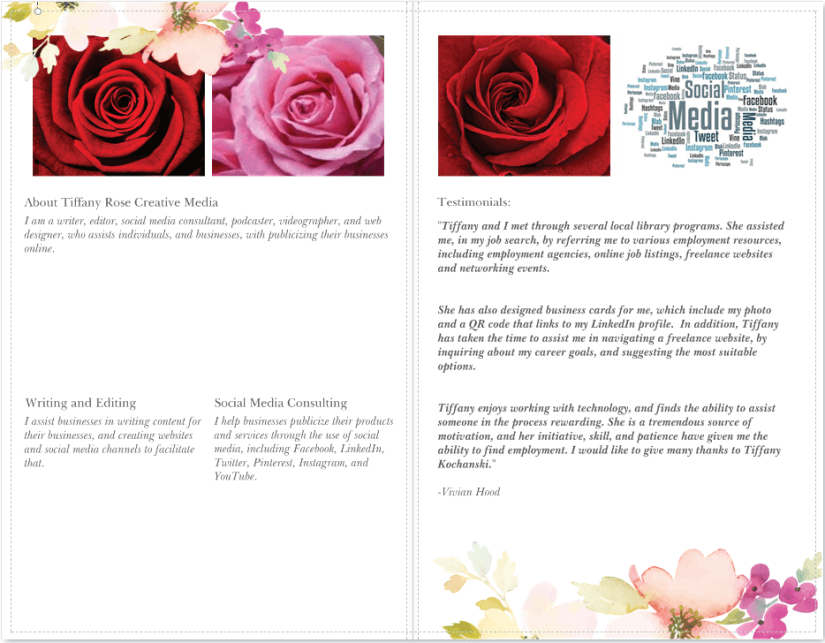
- Showcase a range of products or services offered, and highlight key features, pricing, and promotional offers.
- Include special offers, discounts, or coupons to incentivize potential customers to take action or make a purchase.
- Include QR codes or URLs to direct readers to your website or social media platforms, encouraging further engagement, interaction and sales.

- Provide essential contact details, including name, title, company name, phone number, email address, and physical or web address.
- Include a call to action, such as visiting a website, following on social media, or use a special discount code, encouraging further engagement.
- Include a QR code, allowing the recipient to quickly scan and access a website, portfolio, LinkedIn profile, or other online resources related to your brand or business.
- Feature images, graphics, or a QR code leading to an online portfolio, online store, or booking page, to showcase your work or book or purchase from you.
- Business cards can be strategically used as part of marketing campaigns or events, promoting a specific product, service, or event with tailored messages or discounts.
- Add event details, booth numbers, or session schedules to enhance event engagement.
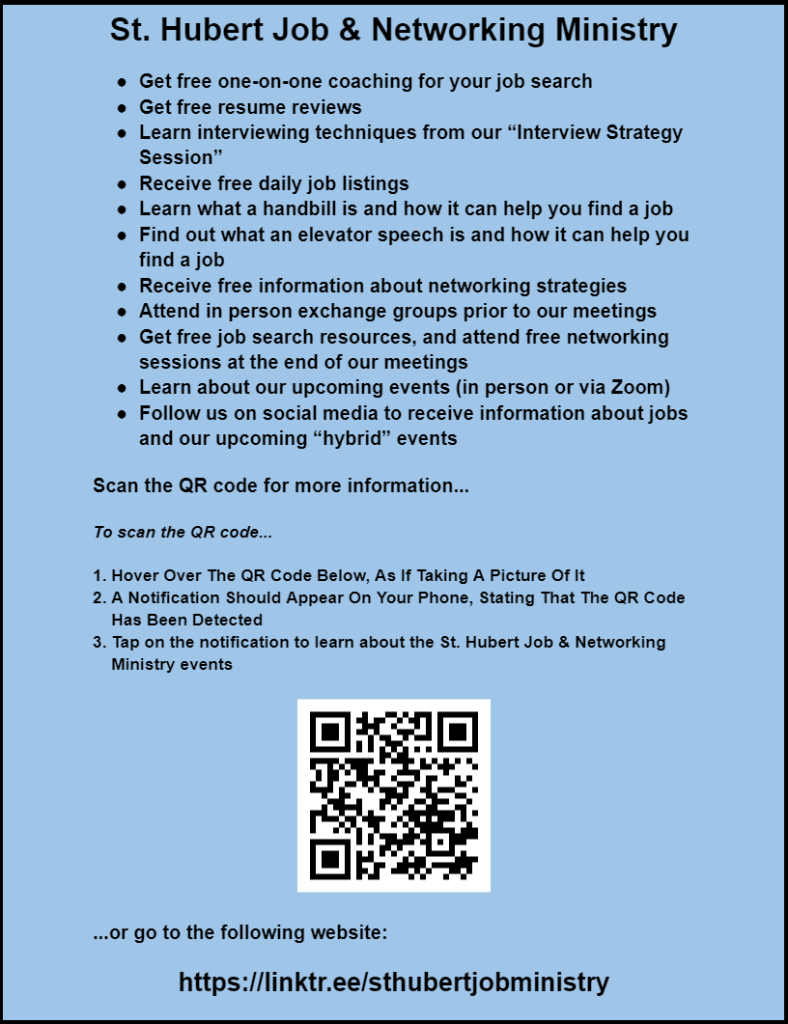
- Promote events such as concerts, festivals, workshops, fundraisers, conferences, or parties, and include event details like date, time, location, and a brief description of the event.
- Showcase products or services offered by your business or organization, highlighting features, benefits, pricing, promotions, and contact information.
- Announce discounts, sales, or special offers, include limited-time promotions.
- Raise awareness about a social or environmental cause, encouraging people to take action, donate, or volunteer.
- Announce the launch of a new product or service.
- Collect RSVPs or registrations for an event.
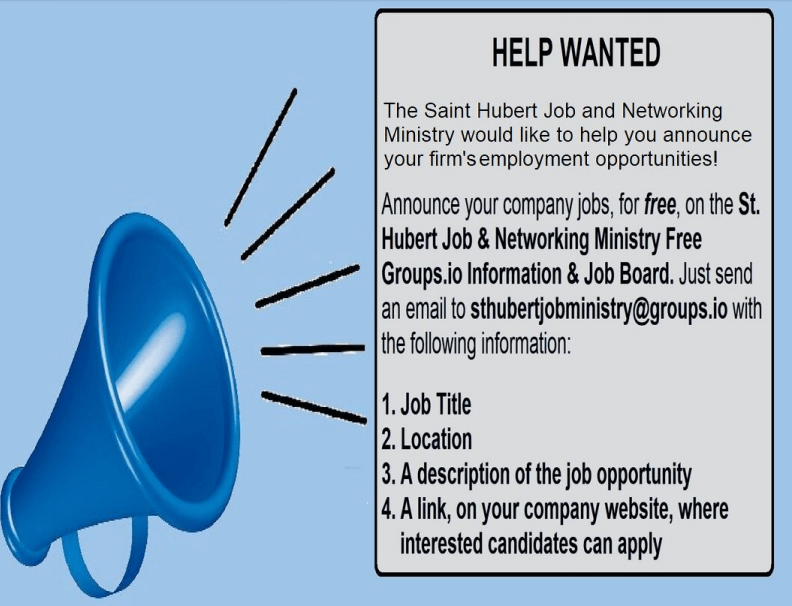
- Announce upcoming events, promotions, sales, product launches, or special offers.
- Share visuals showcasing your products or services, emphasizing features, benefits, and unique selling points.
- Encourage audience engagement through polls, quizzes, or fill-in-the-blank questions.
- Present complex information or data in a visually appealing and easily digestible format through infographics.
- Share visuals that provide tips, step-by-step guides, or tutorials to help your audience with a particular task or challenge.
- Provide a glimpse into your company culture, processes, or team members to humanize your brand and connect with your audience.
- Promote your other social media profiles or channels, encouraging cross-platform engagement.
- Remind your audience about upcoming events, webinars, live sessions, or product launches.
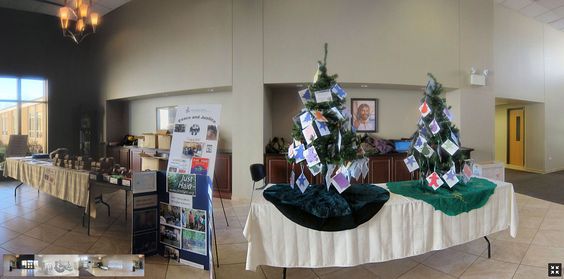
- Adjust brightness, contrast, color balance, sharpness, and other aspects of photos. Remove imperfections, blemishes, and unwanted elements using tools like healing brushes and clone stamps.
- Create graphics for print or digital media, including logos, posters, brochures, banners, business cards, flyers, and more.
- Combine multiple images to create a composite, manipulate backgrounds, or superimpose elements using layers, masks, and blending modes.
- Create and edit text, apply various fonts, styles, and effects, and integrate text seamlessly into designs.
- Design website layouts, buttons, icons, and other web elements using Photoshop, optimizing them for web usage.
- Create and edit 3D models, apply textures, and enhance lighting and shadows for realistic rendering.
- Design frame-by-frame animations or create GIFs by combining multiple images or frames.
- Apply special effects, filters, and artistic effects to photos, creating unique and visually captivating images.
- Adjust colors, hues, and tones in photos or videos to achieve a desired look or mood.
- Create layouts and designs for various printed materials like magazines, books, advertisements, packaging, and more.
- Edit and enhance video content, create titles, graphics, and effects for video projects.
- Design images, infographics, and visuals for social media platforms to engage and attract followers.

- Modify the brightness and contrast levels to enhance the visibility and overall look of the image.
- Adjust color tones, hues, saturation, and vibrancy to achieve a desired color scheme or correct color irregularities.
- Crop unwanted areas from an image and resize it to fit specific dimensions or aspect ratios.
- Use tools to remove blemishes, spots, wrinkles, or other imperfections from portraits or images.
- Enhance the sharpness of details or apply blurring effects to create a focal point or artistic effect.
- Extract the subject from one background and place it on another or remove the background altogether.
- Use clone and healing tools to duplicate or replace parts of an image seamlessly, hiding unwanted elements or distractions.
- Incorporate text, captions, or stylized typography into the image to convey a message or provide context.
- Superimpose additional graphics, shapes, icons, or illustrations onto the image to enhance its visual appeal.
- Blend or merge multiple images to create a composite image, mixing different elements for a specific purpose.
- Add artistic or creative effects using filters, presets, or specialized techniques to alter the appearance of the image.
- Correct the red-eye effect caused by flash photography, making eyes appear more natural.
- Place decorative frames or borders around the image to enhance its presentation.
- Modify the intensity and color hues within the image to achieve a particular style or mood.
- Increase the sharpness and clarity of the image to make it more visually appealing and focused.
- Allow customers to identify and remember your company.
- Leave a lasting impression on the audience. Create a strong brand presence and notability
- Create a sense of professionalism and credibility for your brand
- Make your brand stand out from its competitors. Set your brand apart, distinguishing it from others

